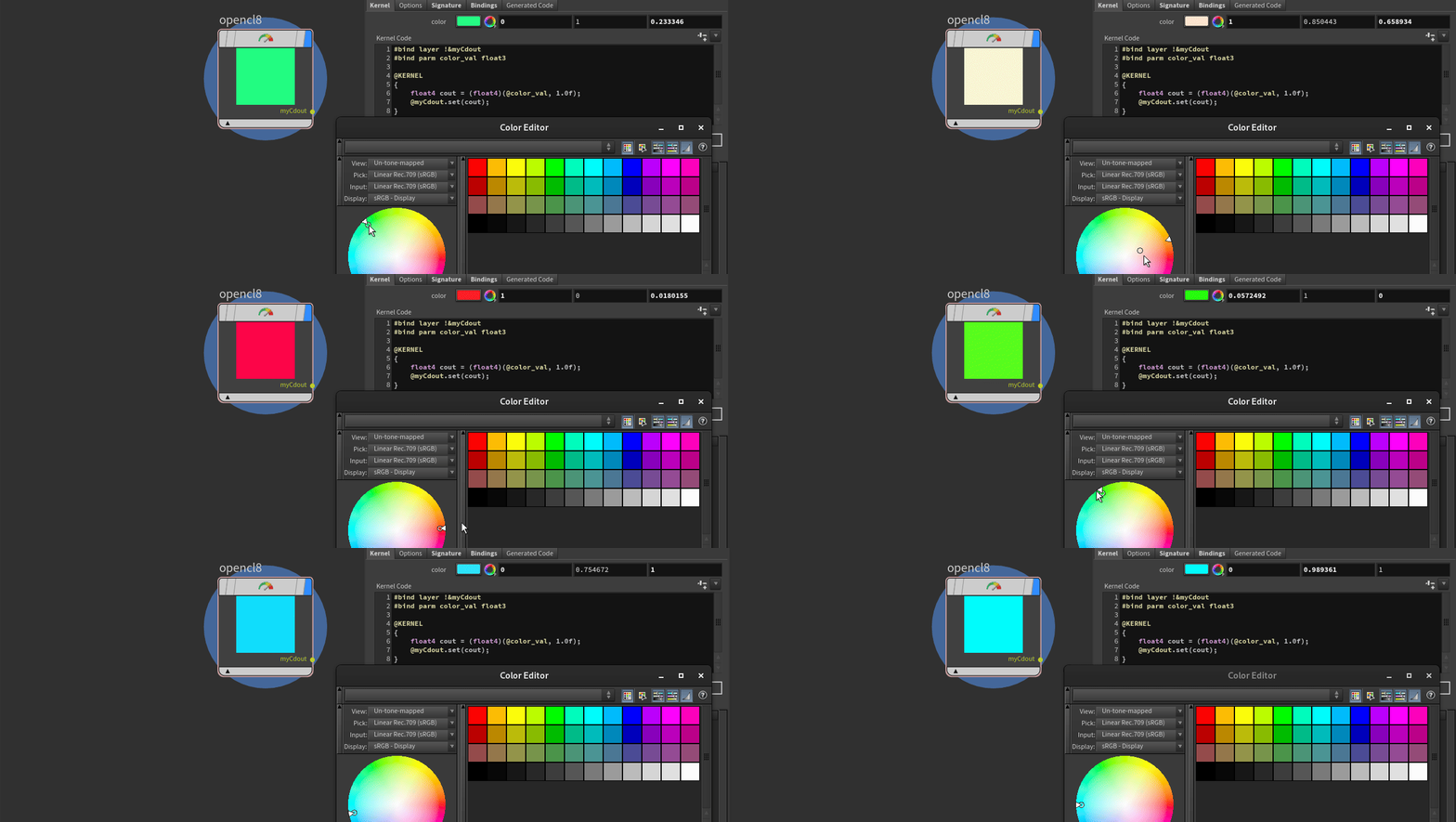
Adding Spare parameters
Now, let's add one last feature: the ability for the user to specify their own color within the UI.
Similarly to VEX bindings, we have some automated spare parameter creation features. In VEX, if we would write chf("my_parm"), the OpenCL equivalent would be #bind parm my_parm float. While in VEX we can write bindings anywhere within our code, in OpenCL they must be provided outside the @KERNEL{} function, preferably at the very top of your code block, along with other bindings.
In the Kernel code tab, let's add:
#bind parm color_val float3Now, just like with VEX bindings, you can click the top right corner button to create a spare parameter.
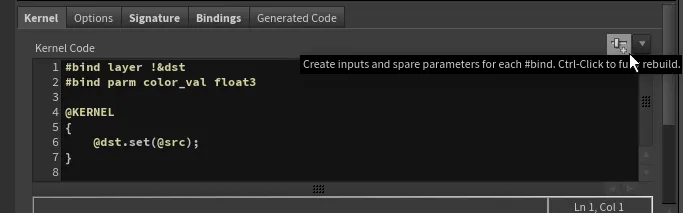
This magical button performs two steps for us:
- It adds a new spare parameter under the Bindings tab, setting up a matching name to our #bind directive with the corresponding data type.
- It adds a UI spare parameter of the selected type and links it as a relative reference.

And that's it! Now you have linked a spare parameter to your code. To reference it within your code, all you have to do is use the @ sign, which, unlike in VEX where it imports a global attribute, in OpenCL it refers to a binding name. Therefore, in our case, it is just @color_val.
However, to make this code usable, there is one last issue to address. We have specified a spare parameter of a vector (float3) type, while our default OpenCL output is expecting an RGBA (float4) type. We can utilize OpenCL's swizzle operator to provide the last, missing fourth element for the Alpha:
float4 color = (float4)(@color_val, 1.0f);Our updated kernel code looks like this:
#bind layer !&myCdout
#bind parm color_val float3

@KERNEL
{
    float4 color = (float4)(@color_val, 1.0f);
    @myCdout.set(color);
}